Beginner's Guide to Buying Your First Smartphone: Key Features Explained
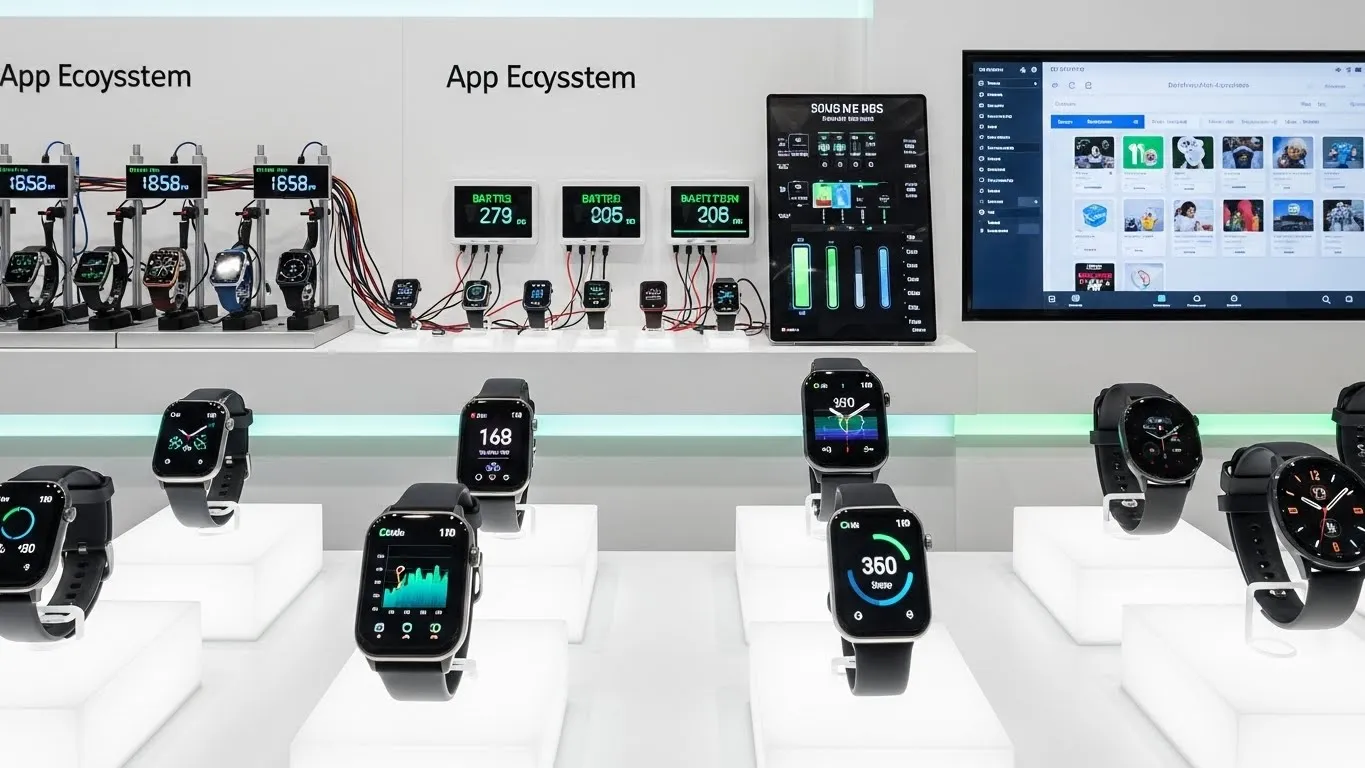
Embarking on the journey to buy your first smartphone can feel overwhelming with the sheer number of options and technical jargon. This guide is designed to demystify the process, helping you understand the crucial features that matter most when selecting your inaugural device. Whether you're a complete novice or looking to make your first solo purchase, we'll break down the essential components that make a smartphone smart, ensuring you make an informed decision that fits your needs and budget.
Key Points:
- Understand core smartphone components like processor, RAM, and storage.
- Learn about display types, sizes, and resolutions.
- Grasp the importance of camera specs and battery life.
- Navigate operating systems (iOS vs. Android).
- Discover essential connectivity and security features.
Navigating the Smartphone Landscape: Your First Purchase Made Easy
So, you're ready to dive into the world of smartphones! It's an exciting step, opening up a universe of communication, entertainment, information, and productivity right in your pocket. For many, their first smartphone is a gateway device, and choosing the right one sets the stage for future tech experiences. This beginner's guide to buying your first smartphone will equip you with the knowledge to make that crucial initial choice with confidence. We’ll cover the must-know features, explain what they mean, and help you identify what's truly important for your personal use.
Understanding the Core: What Makes a Smartphone Tick?
At its heart, a smartphone is a powerful mini-computer. Understanding a few key internal components will give you a solid foundation for comparing different devices.
Processor (CPU): The Brains of the Operation
The processor, or CPU, is the engine that powers your smartphone. It handles all the tasks, from opening apps to running games and processing data.
- What to look for: Higher clock speeds (measured in GHz) generally mean faster performance. More cores also contribute to better multitasking. For a first smartphone, a mid-range processor will suffice for most daily tasks like browsing, social media, and casual gaming.
- Expert Insight: Leading manufacturers like Qualcomm (Snapdragon) and Apple (A-series chips) are known for their high-performance processors. For instance, a Snapdragon 7-series or Apple's A13 Bionic (from a few years ago, now available in older models) offers a great balance of performance and efficiency for a first-time user.
Random Access Memory (RAM): The Workspace
RAM is like your phone's short-term memory. It stores data that apps are actively using, allowing for quick access.
- What to look for: More RAM means your phone can handle more apps running simultaneously without slowing down. For a beginner, 4GB to 6GB of RAM is generally a good starting point for smooth multitasking. If you plan on heavy app usage or gaming, consider 8GB.
- Example: Imagine juggling multiple books. More RAM is like having a bigger desk, allowing you to keep more books open and accessible at once.
Storage (Internal Memory): Where Your Data Lives
This is where your apps, photos, videos, music, and operating system are stored. It's crucial to have enough space for your digital life.
- What to look for: Smartphones come with various storage capacities, typically starting from 64GB. For a first smartphone, 128GB is highly recommended to avoid running out of space quickly. Check if the phone supports expandable storage via a microSD card, which offers a more budget-friendly way to increase capacity later.
- Trend Alert: With the increasing size of apps and high-resolution photos/videos, many manufacturers are phasing out lower storage options. Investing in at least 128GB upfront saves potential headaches down the line.
The Visual Experience: Displays and What They Mean
The screen is your primary interaction point. Its quality significantly impacts your overall user experience.
Display Size and Resolution: Clarity and Immersion
Display size is measured diagonally in inches. Resolution refers to the number of pixels on the screen, determining sharpness.
- What to look for:
- Size: Most smartphones fall between 6.1 and 6.8 inches. A 6.1-inch display is more pocket-friendly, while a 6.7-inch display offers a more immersive experience for videos and gaming.
- Resolution: Look for Full HD+ (1080p) or higher for crisp visuals. A higher resolution means sharper text and more detailed images.
- Differentiated Value: Beyond just resolution, consider the display technology. AMOLED or OLED screens offer vibrant colors, deep blacks, and better energy efficiency compared to traditional LCD screens. Many budget-friendly phones now feature these superior displays.
Refresh Rate: Smoothness in Motion
The refresh rate (measured in Hertz - Hz) indicates how many times the screen updates per second.
- What to look for: A standard refresh rate is 60Hz. For smoother scrolling and animations, look for 90Hz or 120Hz. For a first smartphone, 60Hz is perfectly functional, but 90Hz offers a noticeable upgrade in visual fluidity if your budget allows.
Capturing Memories: Cameras and Their Capabilities
Smartphone cameras have become incredibly advanced, often replacing dedicated point-and-shoot cameras.
Megapixels (MP): More Isn't Always Better
Megapixels refer to the number of pixels in an image sensor. While higher MP can capture more detail, it's not the sole determinant of camera quality.
- What to look for: Don't get fixated solely on MP count. Sensor size, aperture (f-stop number, lower is better for low light), and image processing software play vital roles. A 12MP to 48MP main sensor is common and capable of producing excellent photos.
- Key Features: Look for features like Optical Image Stabilization (OIS) for clearer shots in low light and when moving, and a decent ultrawide lens for landscape shots.
Video Recording: Beyond Photos
Consider the video capabilities if you plan to shoot clips.
- What to look for: Most modern smartphones can record in 1080p (Full HD) or even 4K resolution. 4K offers significantly more detail, ideal for later editing or viewing on large screens.
Powering Your Day: Battery Life and Charging
A smartphone is only useful if it has power. Battery life is a critical consideration for everyday usability.
Battery Capacity (mAh): Longevity Matters
Battery capacity is measured in milliampere-hours (mAh). Higher mAh generally means longer battery life.
- What to look for: For a full day's use, aim for a battery capacity of 4000mAh or higher. Usage patterns vary, but a larger battery provides more peace of mind.
- Real-world Testing: Manufacturer claims can be optimistic. Look for reviews that test real-world battery performance under typical usage scenarios.
Charging Speeds: Getting Back Up Quickly
How fast your phone recharges is also important.
- What to look for: Look for fast charging capabilities. Many phones support 18W or 25W charging, significantly reducing the time spent tethered to an outlet. Some offer even faster speeds, but check if the required charger is included in the box.
The Ecosystem: Operating Systems Explained
The operating system (OS) is the software that controls your phone's functions. The two major players are iOS and Android.
iOS (Apple iPhones)
- Pros: Known for its simplicity, user-friendliness, strong security, and seamless integration with other Apple devices. App Store is highly curated.
- Cons: Less customization, generally higher price point, closed ecosystem.
- Best for: Users who prefer a straightforward experience, are already invested in the Apple ecosystem, or prioritize robust security and software updates.
Android (Google, Samsung, OnePlus, etc.)
- Pros: Highly customizable, vast range of hardware options across different price points, open ecosystem, Google services integration.
- Cons: Can be more complex for absolute beginners, fragmentation (updates can be slower depending on the manufacturer), potential for bloatware.
- Best for: Users who want flexibility, a wider choice of devices and prices, and enjoy tinkering with settings.
Industry Insight (2024): While both operating systems are mature, Android continues to innovate in areas like AI integration and enhanced privacy controls, while iOS focuses on refinement and ecosystem synergy. For a first smartphone, both offer excellent, reliable experiences depending on your personal preference.
Connectivity and Security: Staying Connected and Safe
These often-overlooked features are crucial for a modern smartphone experience.
Network Connectivity: 4G vs. 5G
- 4G LTE: The current standard, offering excellent speeds for most everyday tasks like browsing, streaming, and video calls.
- 5G: The next generation, promising faster download/upload speeds and lower latency. For a first smartphone, 4G is perfectly adequate. If you plan to keep your phone for several years and want future-proofing, consider 5G.
- Wi-Fi and Bluetooth: Ensure the phone supports the latest Wi-Fi standards (Wi-Fi 6 is current) and Bluetooth versions for reliable wireless connections.
Security Features: Protecting Your Data
- Biometrics: Fingerprint scanners (in-display or side-mounted) and facial recognition are standard for quick and secure unlocking.
- Software Updates: Crucial for patching security vulnerabilities. iPhones generally receive updates for longer than most Android devices.
- App Permissions: Understand and manage what data your apps can access.
Differentiated Value: What Else to Consider?
Beyond the core specs, a few extra considerations can elevate your smartphone experience.
- Build Quality and Durability: While many first smartphones are budget-friendly, look for phones with some level of water and dust resistance (IP rating). Gorilla Glass protection on the screen also adds peace of mind against scratches and minor drops.
- Ecosystem Integration (Beyond OS): If you own other smart devices (smartwatches, wireless earbuds, tablets), consider how well a new smartphone integrates with them. For example, Apple's ecosystem is renowned for its seamless device handoff and AirDrop functionality. Samsung offers similar conveniences with its Galaxy devices.
Frequently Asked Questions (FAQ)
Q1: How much RAM do I really need for my first smartphone? A1: For everyday use like browsing, social media, and messaging, 4GB of RAM is sufficient. However, 6GB offers a smoother experience for multitasking and light gaming, making it a recommended sweet spot for a first smartphone.
Q2: Is 5G essential for my first smartphone purchase? A2: Not necessarily. 4G LTE networks are still robust and provide excellent speeds for most users. While 5G offers faster potential speeds, its availability and real-world benefits are still growing. Unless you specifically need the absolute fastest speeds or plan to keep the phone for many years, 4G is perfectly fine.
Q3: What's the difference between a smartphone's storage and RAM? A3: Storage is like your phone's hard drive, where all your apps, photos, and files are permanently kept. RAM is temporary memory used to run apps actively. More RAM allows your phone to run more apps smoothly at the same time without slowing down.
Q4: Should I buy an iPhone or an Android phone for my first smartphone? A4: The choice depends on your preference. iPhones offer a simple, secure, and integrated experience, ideal for beginners who want ease of use. Android phones provide greater customization and a wider range of hardware choices at various price points, appealing to those who like flexibility.
Conclusion: Your Smart Choice Awaits
Choosing your first smartphone is an exciting milestone. By understanding the key features like processor, RAM, storage, display, camera, and battery, you can confidently navigate the market and find a device that perfectly suits your needs. Remember to consider your budget, intended usage, and whether you lean towards the simplicity of iOS or the customization of Android.
This beginner's guide to buying your first smartphone has aimed to simplify these technical aspects. We've highlighted the importance of not just raw specs but also real-world performance and future usability. Investing a little time in research now will ensure you enjoy your new device for years to come.
What features are most important to you in your first smartphone? Share your thoughts in the comments below!
For readers interested in enhancing their mobile experience, exploring articles on mobile photography tips or the best apps for productivity would be a valuable next step. Consider subscribing to our newsletter for more tech insights and guides.